LG OLED Remote.Settings Toolkit.
OLED Control is a remote and settings toolkit for LG OLED TVs on iPhone, iPad, Mac, and Android. When ThinQ pairing fails or webOS feels slow, use local-network controls for TV state, inputs, apps, power automations, and supported advanced settings without digging through TV menus.
Works with LG OLED G6 · G5 · C4 · C3 · C2 · C1 and more; supported features vary by model and firmware.
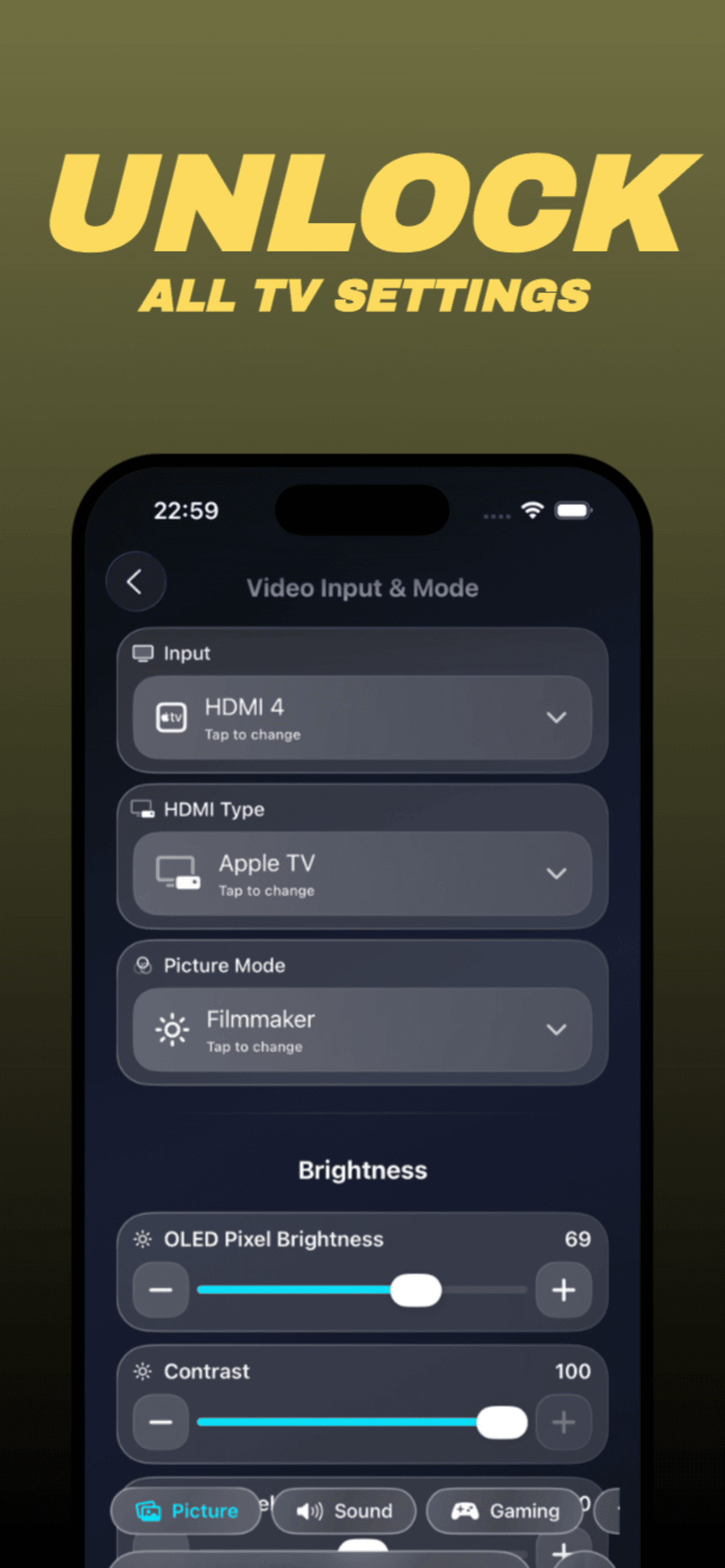
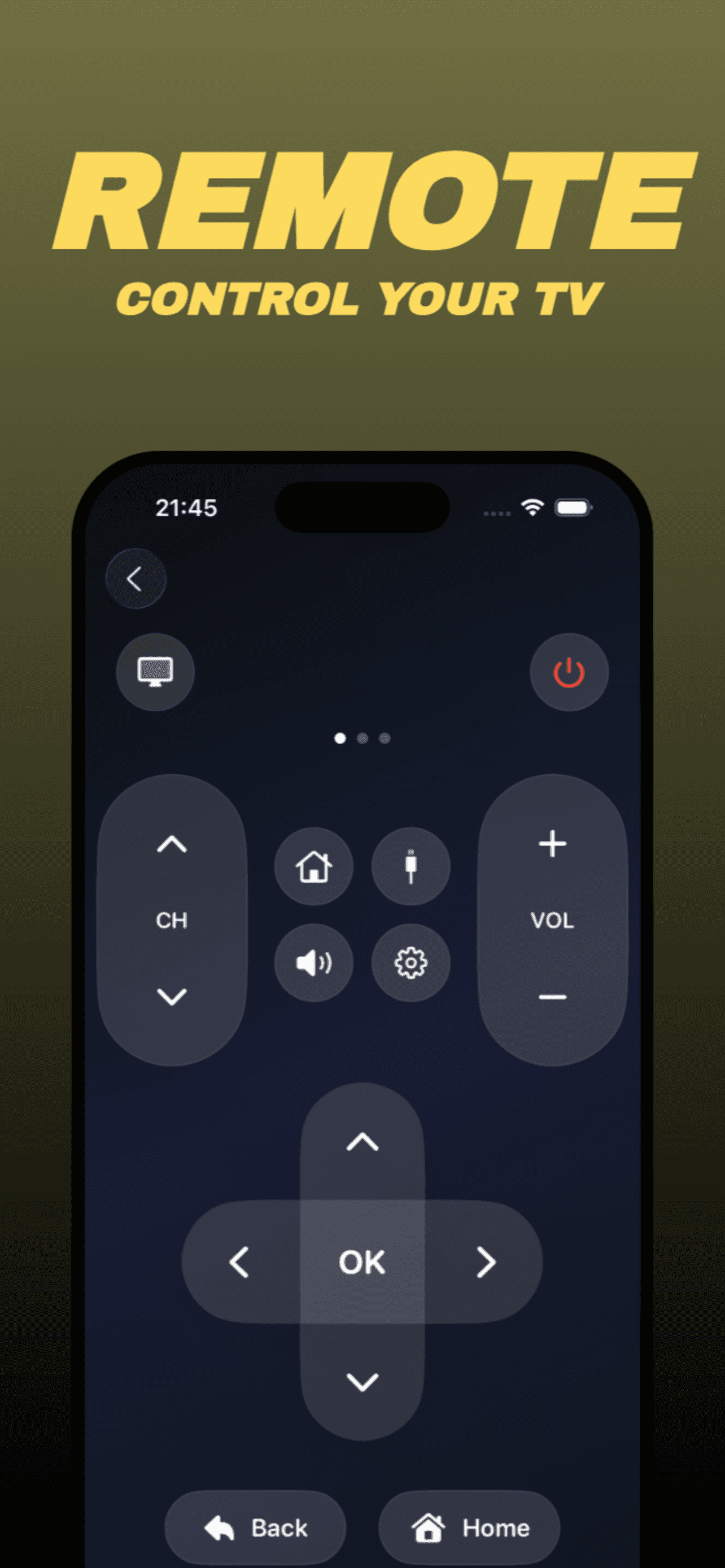
LG OLED Command Center. Now Everywhere.
Experience unified, native control across your entire digital life
MacBook, iPad, iPhone, and Android.
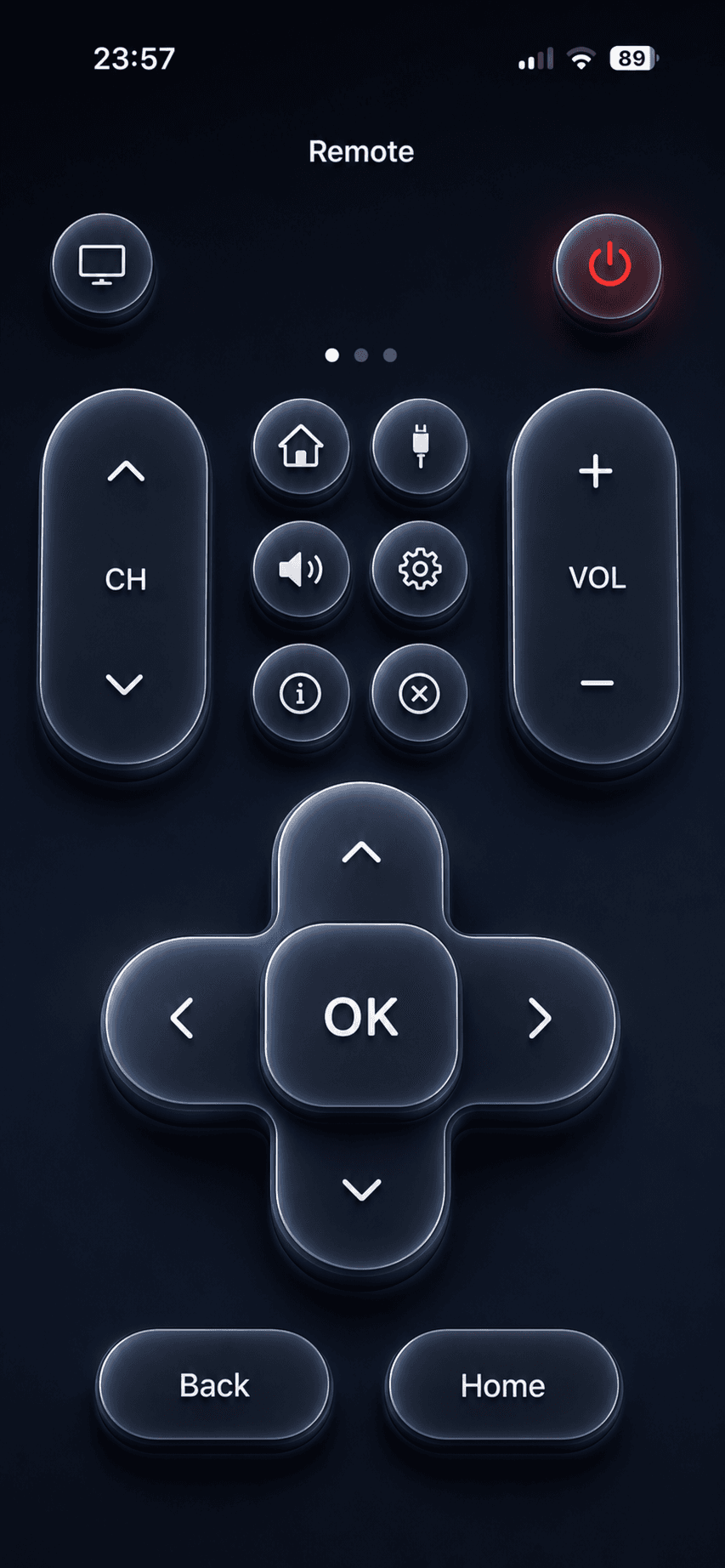
What you can actually do
A short list of practical things people asked for.
Practical controls for LG OLED C1, C2, C3, C4, and G4 owners who want clearer control over their TV settings. Disable TPC and GSR auto-dimming, access the LG OLED service menu, enable HGIG tone mapping, and use static-image risk reminders with model-aware guidance.
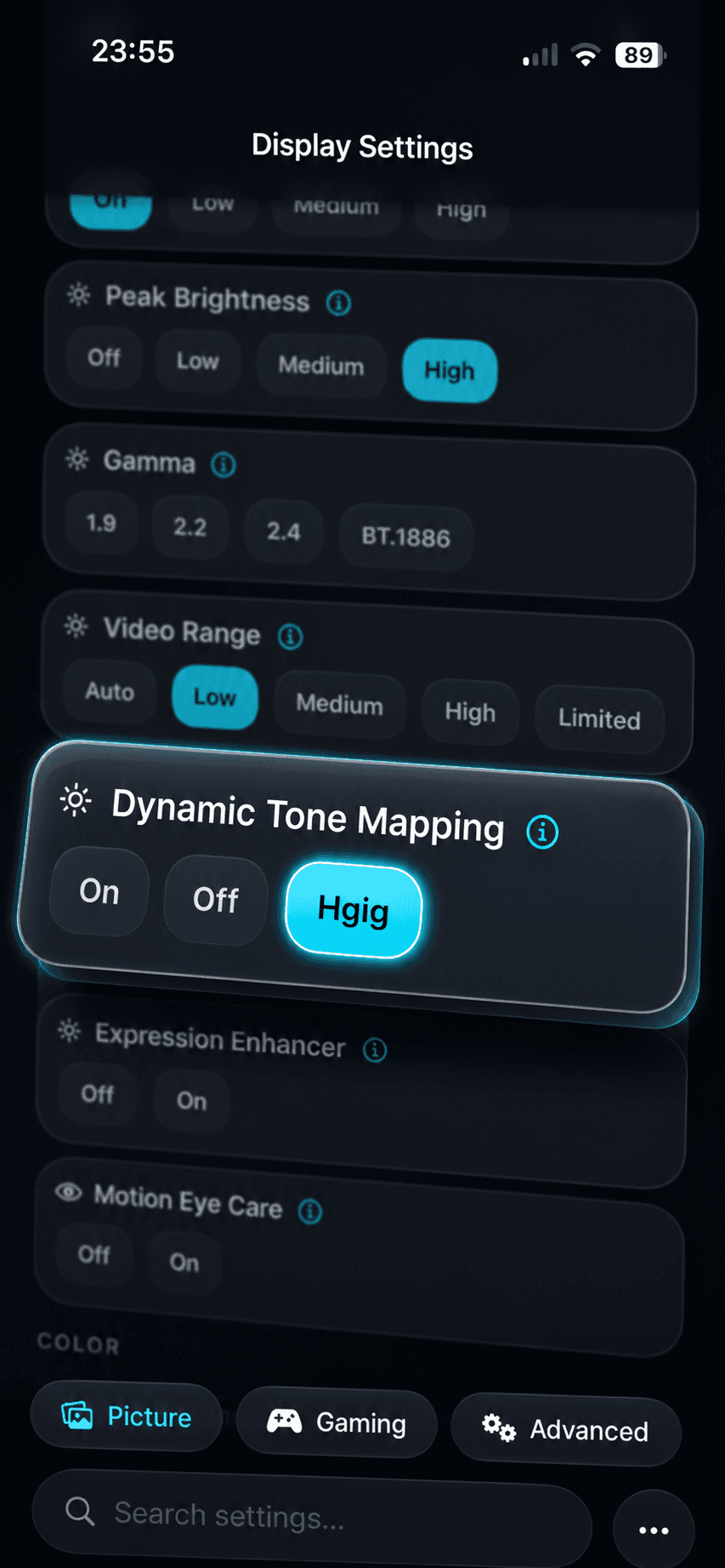
HGIG in Filmmaker Mode
Apply HGIG tone‑mapping while staying in Filmmaker (or any non‑Game) mode. Keep FMM's color and processing, switch tone‑mapping per input or app, and revert with one tap.
Stop Auto‑Dimming: TPC/GSR/ASBL
Toggle panel dimming controls for desktop use and long UI scenes. Offer clear on/off presets, per‑mode saves, and a quick restore to factory behavior.
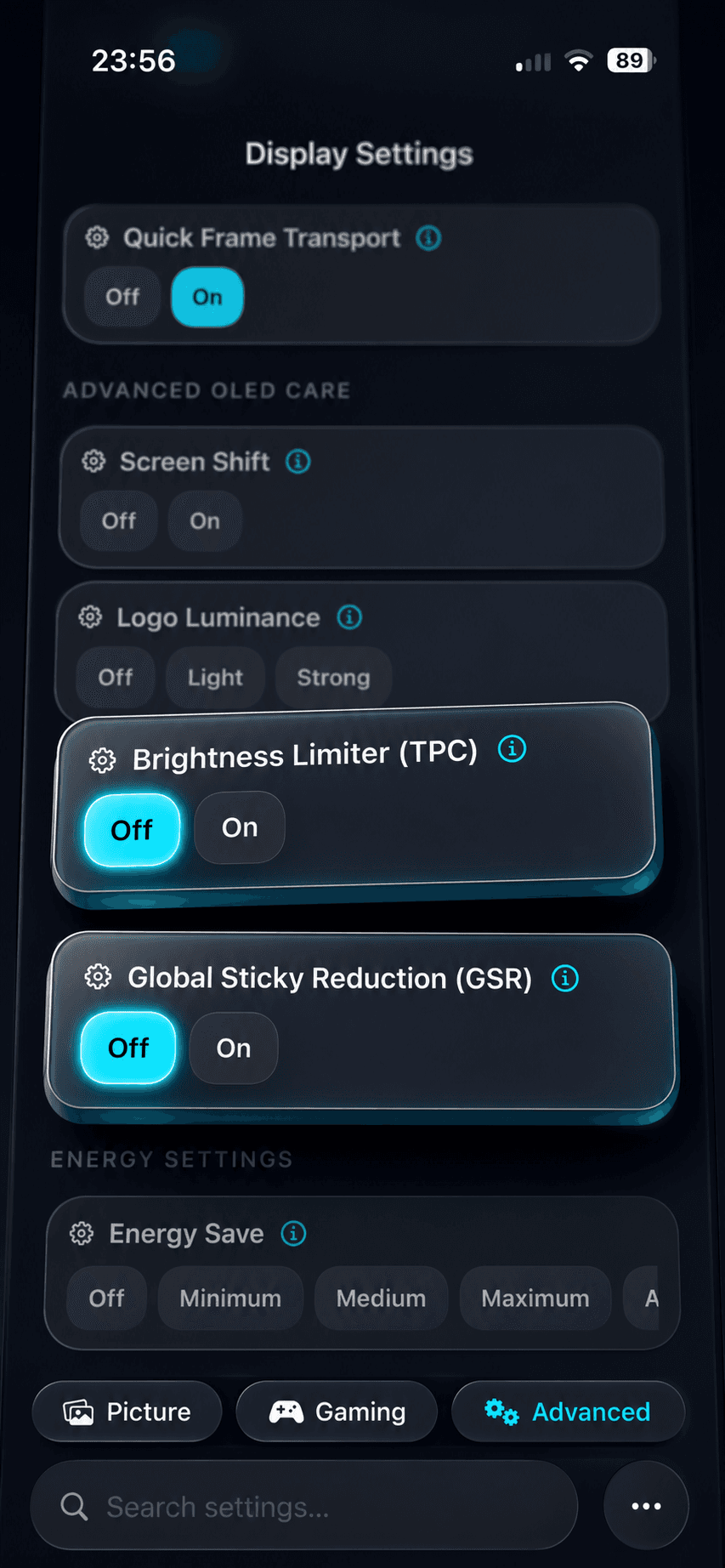
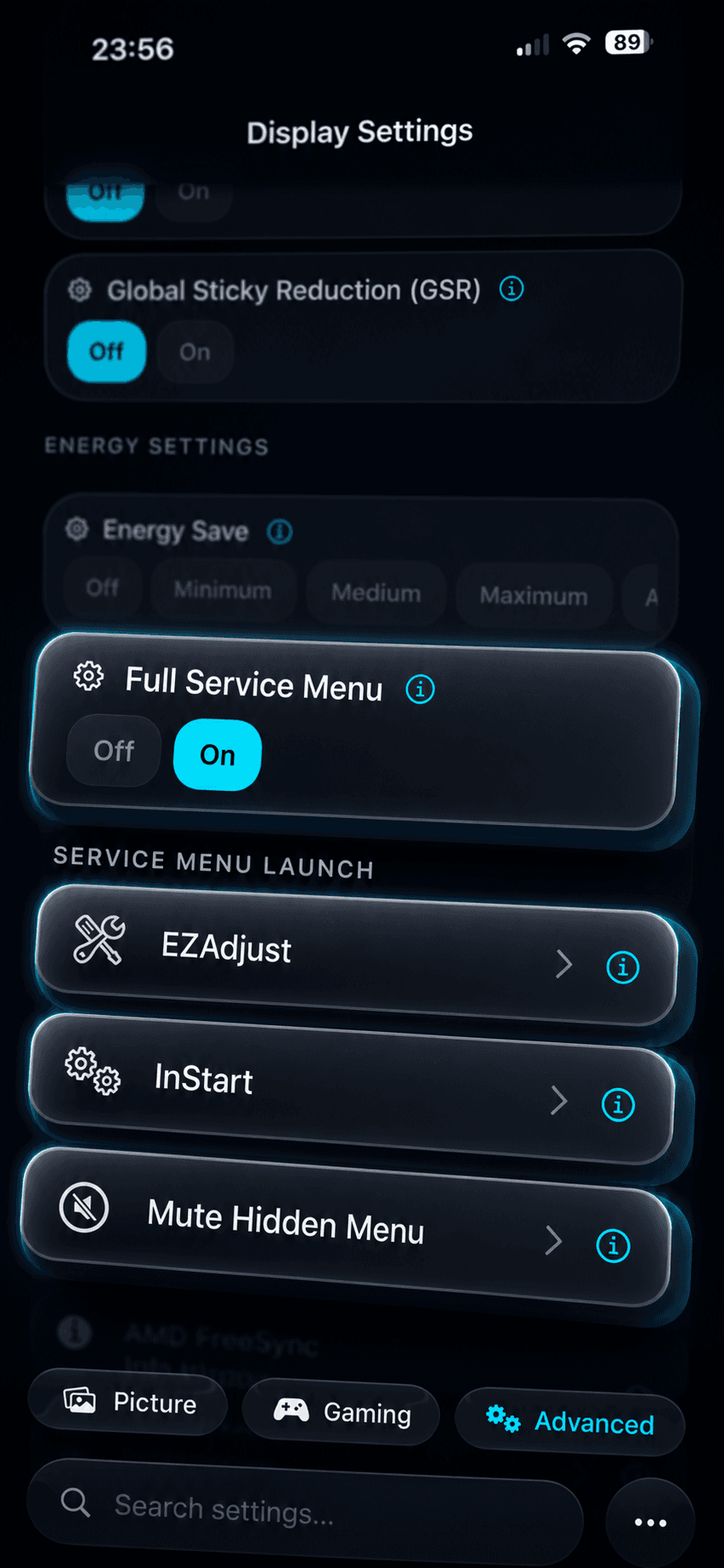
Service Menu Guidance for supported LG models
Show model and firmware context before advanced service-menu workflows. Keep warnings, defaults, and revert notes visible so every change stays deliberate.
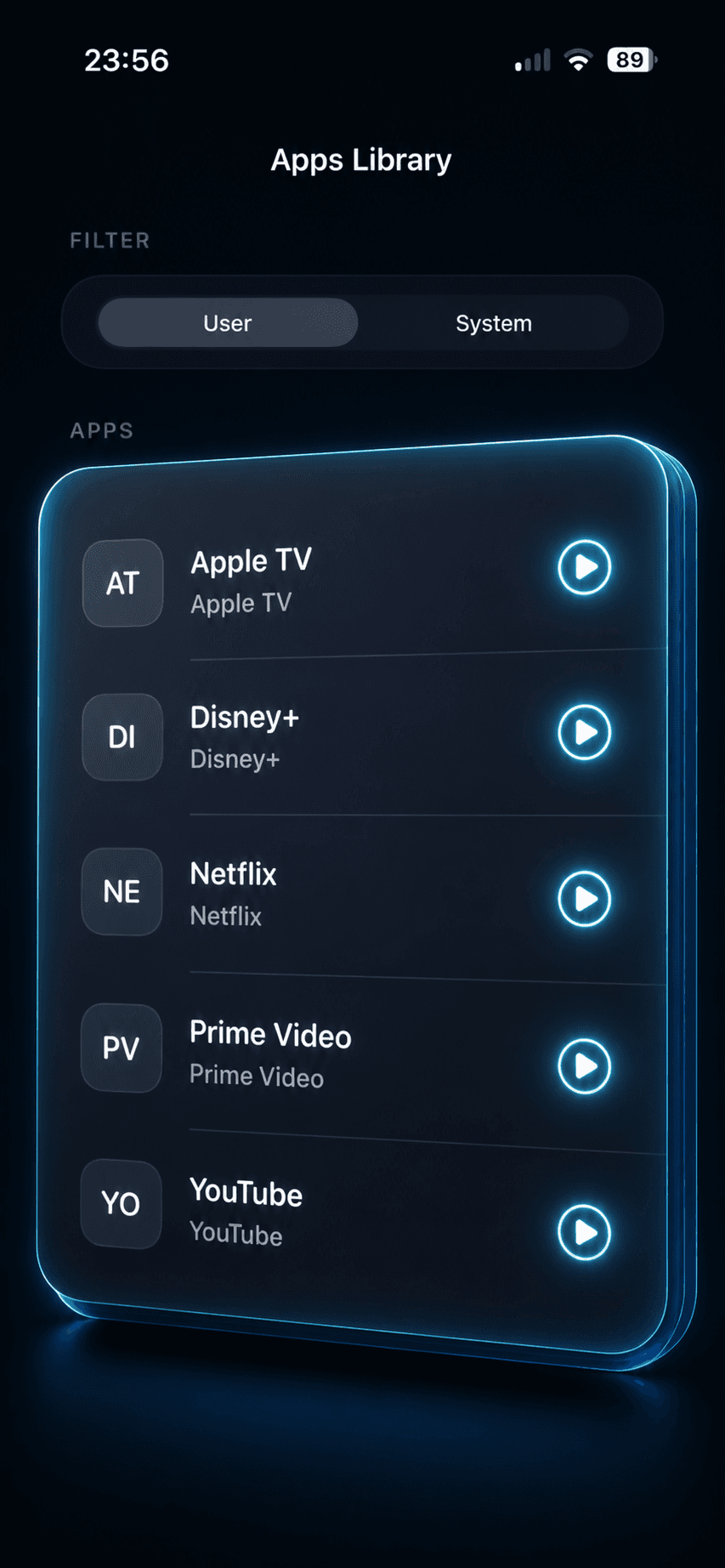
Instant inputs and apps
Switch HDMI inputs or launch TV apps via presets. One tap in the app or a system shortcut triggers the change with zero menu digging.
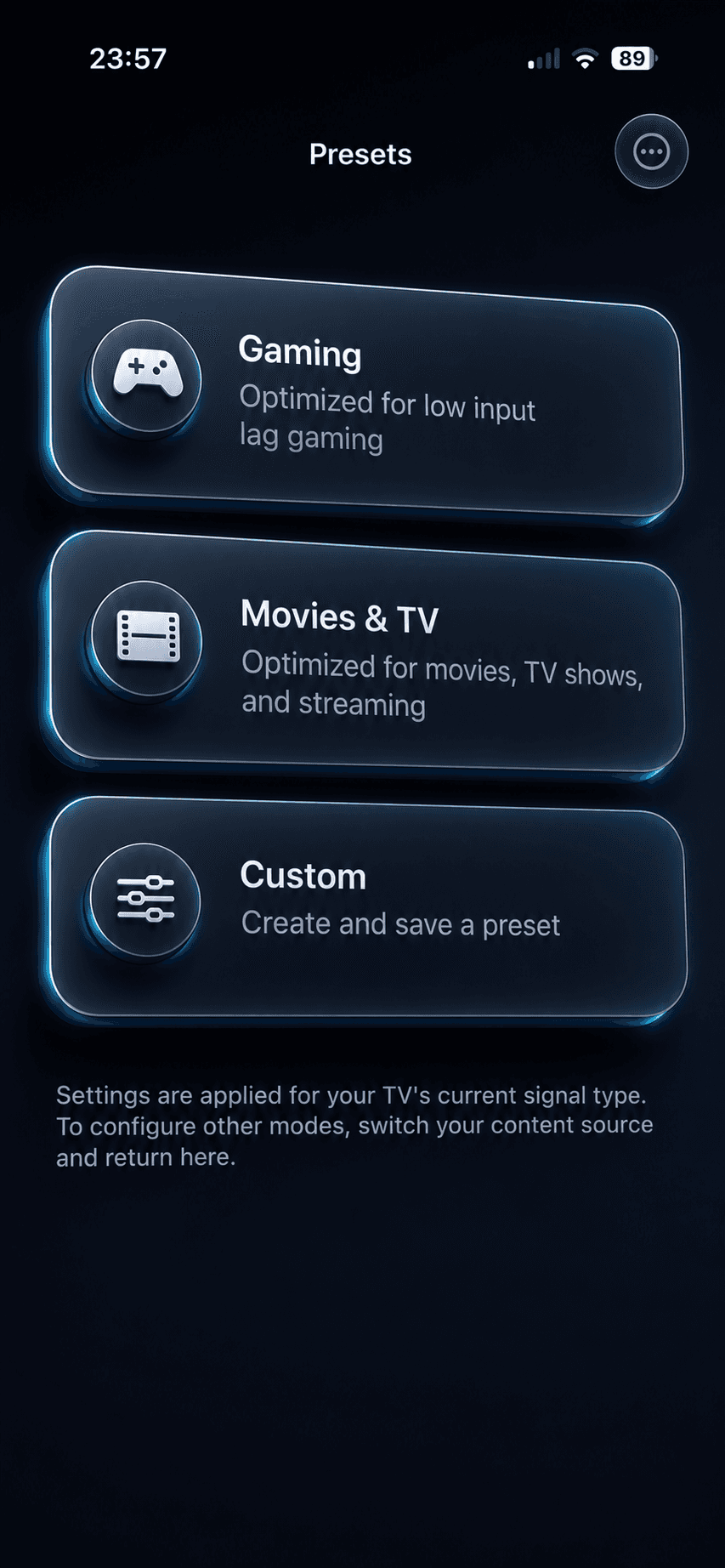
Game start macros
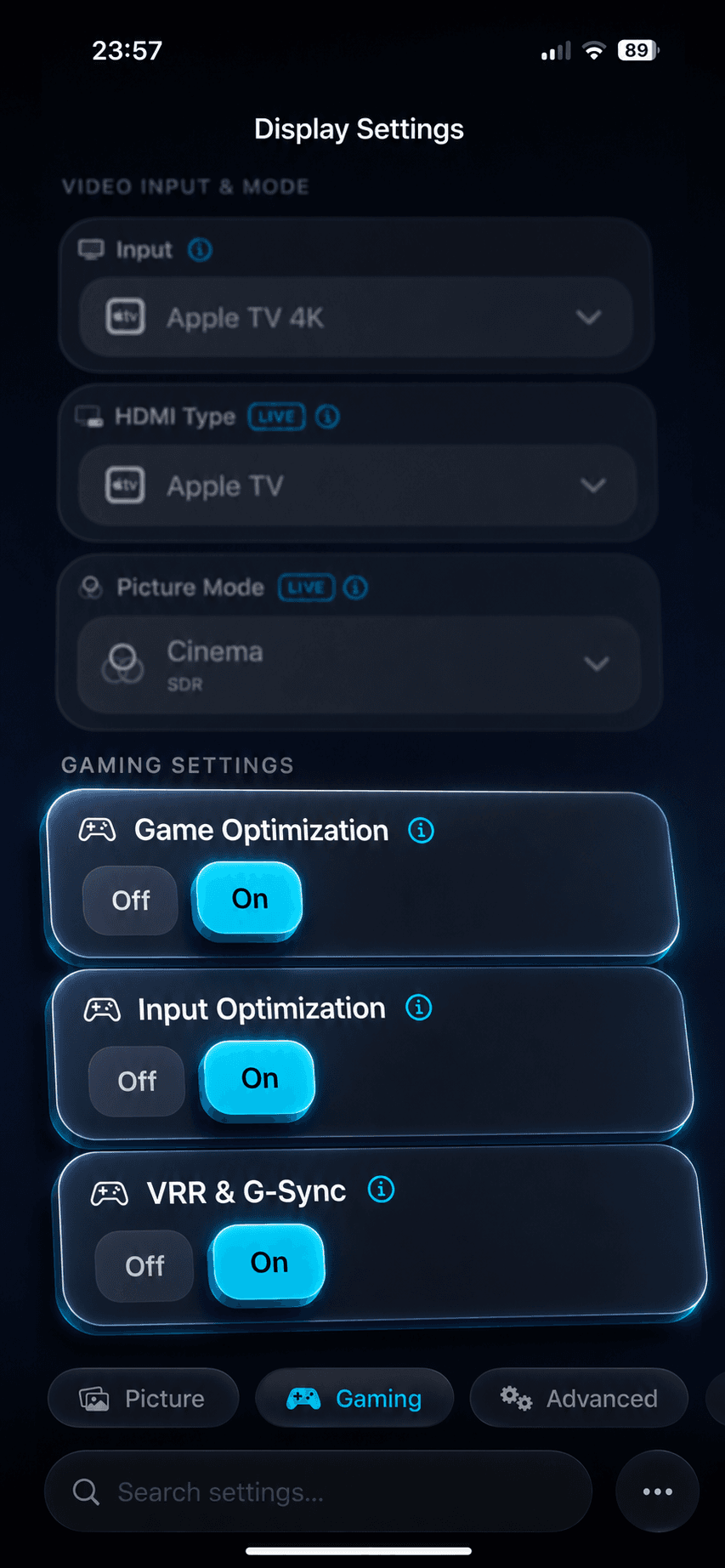
When a game launches, auto set picture mode, key sliders, HGIG, and other flags. Optionally call GPU or OS presets on supported platforms.
Smart power automation
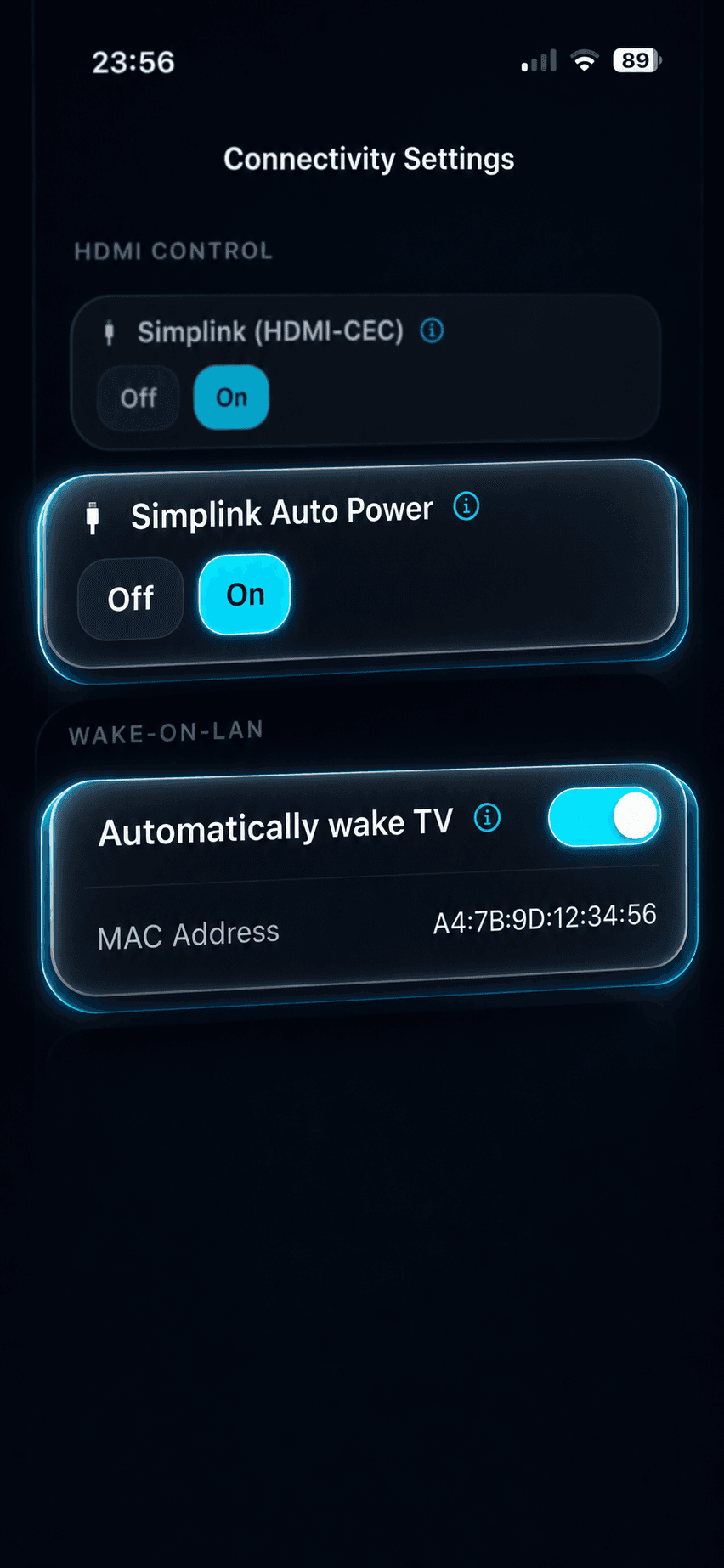
Power the TV on at system wake or app start and off on sleep or idle. Optional pairing with desktop companions for tighter state sync.
Unlock picture options
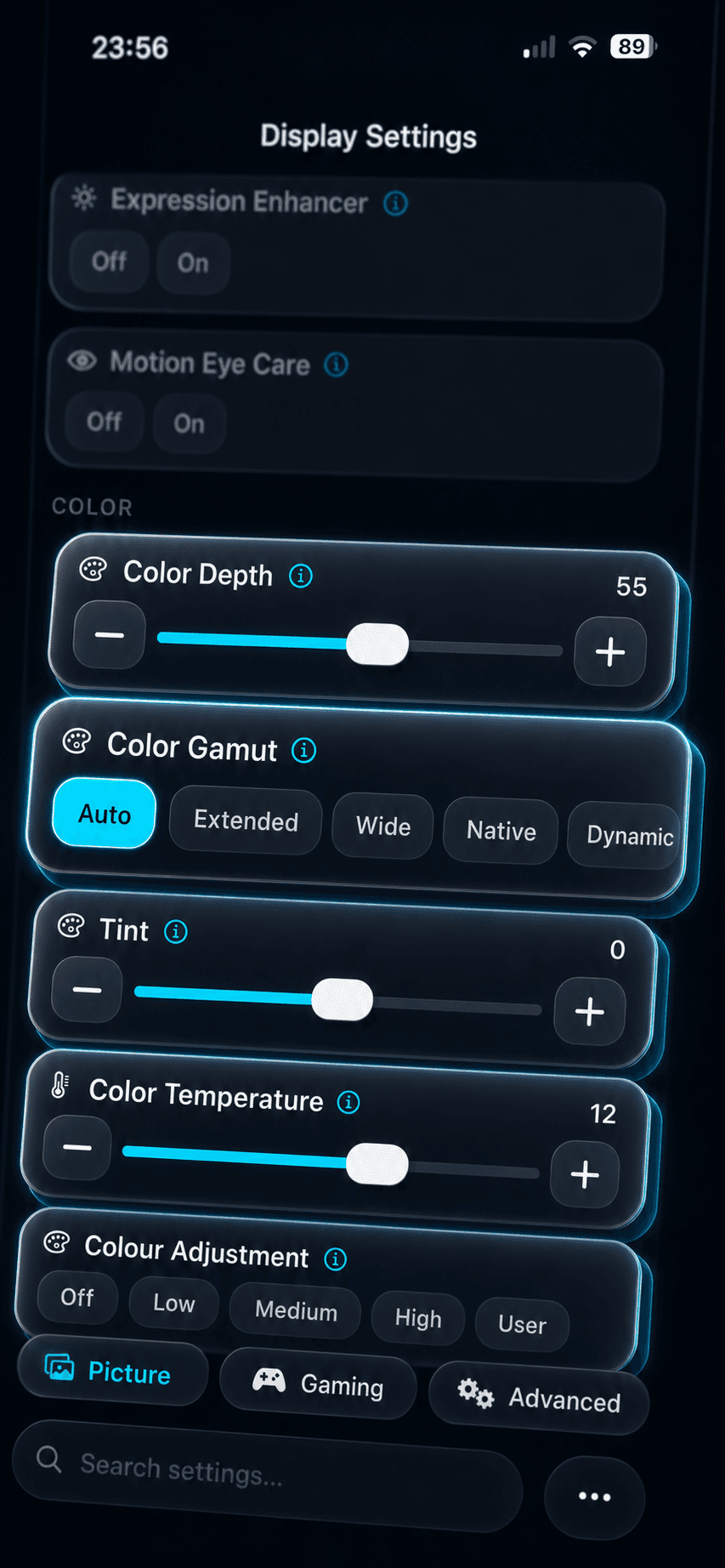
Access options LG locks in some modes: override color gamut in PC mode (enable Auto instead of Wide) and in SDR Game. Save per input and revert instantly.
Peak Brightness High in SDR Game
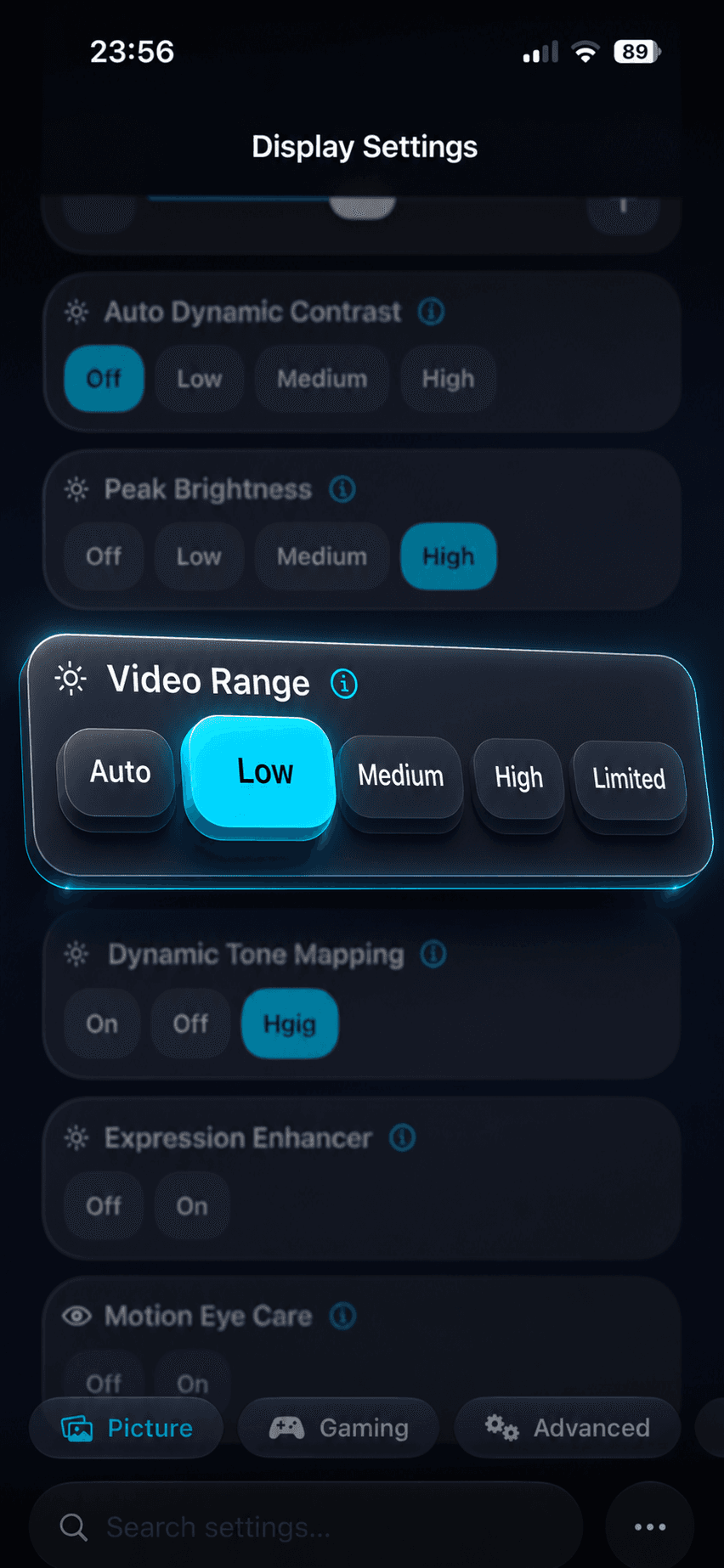
Unlock 'High' in SDR Game to restore luminance. Includes clear guidance and a burn‑in caution so you can choose confidently.
Fix black‑level mismatches
Eliminate raised or crushed blacks by forcing Black Level from Auto → Low across SDR, HDR, and Dolby Vision, per input or app.
Real Cinema in Dolby Vision Game (2017–2018)
Enable Real Cinema processing while in Dolby Vision Game on supported 2017–2018 LG models, preserving smooth motion without leaving Game mode.
Force HLG on SDR‑only HDMI sources
When a source can output HLG but the chain advertises only SDR, override the mode to HLG for correct tone‑mapping and brightness.
Firmware-aware guidance
Detect model and firmware context before showing advanced instructions. Prefer documented support paths and clear revert notes over hidden-setting shortcuts.
Explore Our Knowledge Base
Learn more about OLED technology, settings optimization, and advanced features in our comprehensive wiki.
Browse Wiki